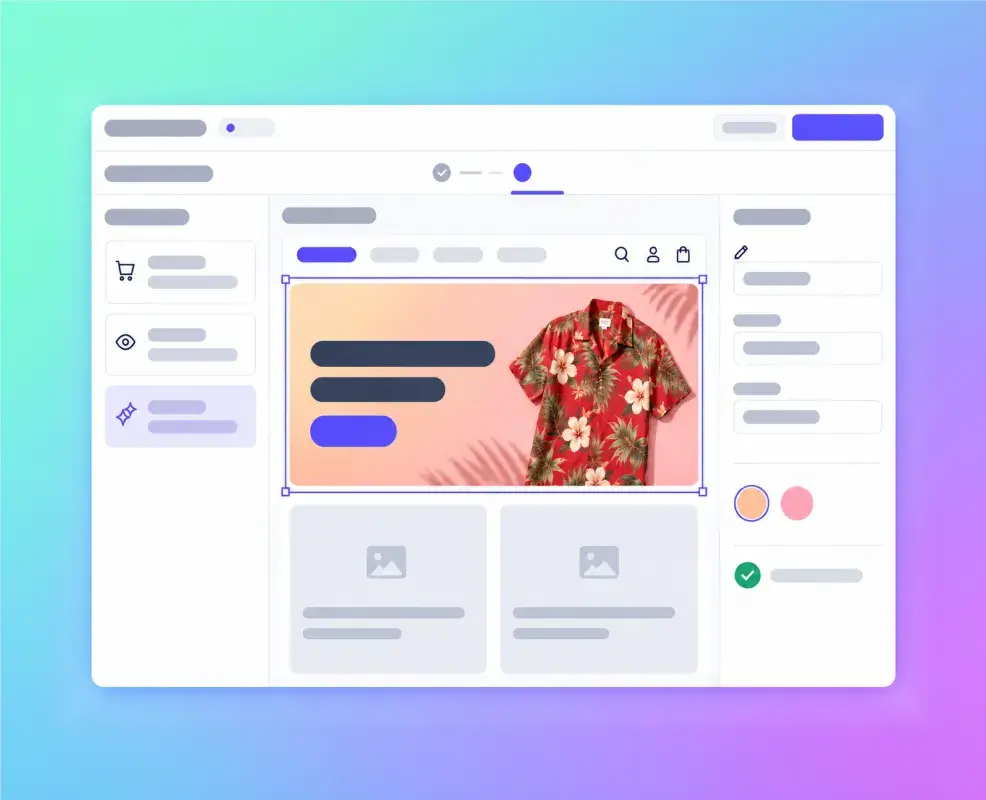
Make Every Website Visit More Relevant
Create website experiences that reflect what each customer has done and what they are doing now. Personalization Studio helps marketers build, review, and launch campaigns without waiting on technical teams for every change.
See how marketers shape website content
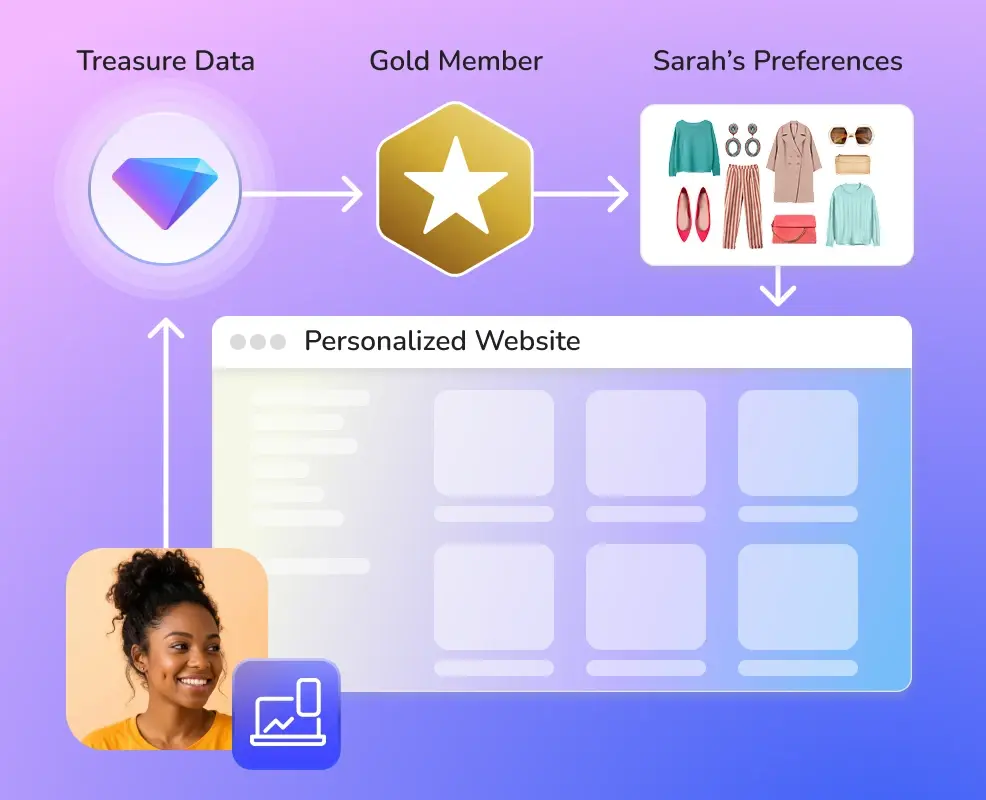
A website feels more relevant when it reflects what a brand knows about each customer. By bringing together signals such as loyalty status, stated preferences, and recent activity, marketers can tailor the content and products each visitor sees.
For example, a Gold member like Sarah might see recommendations that match her preferences instead of the same generic storefront as everyone else.
Launch campaigns without waiting on technical teams
After initial setup, marketers can build, preview, and launch website campaigns in a visual editor.
Start with what you know about each customer
Use past purchases, loyalty status, and current browsing activity to shape relevant website content.
Make each visit more relevant
Show messages and content that better fit what each visitor is looking for.
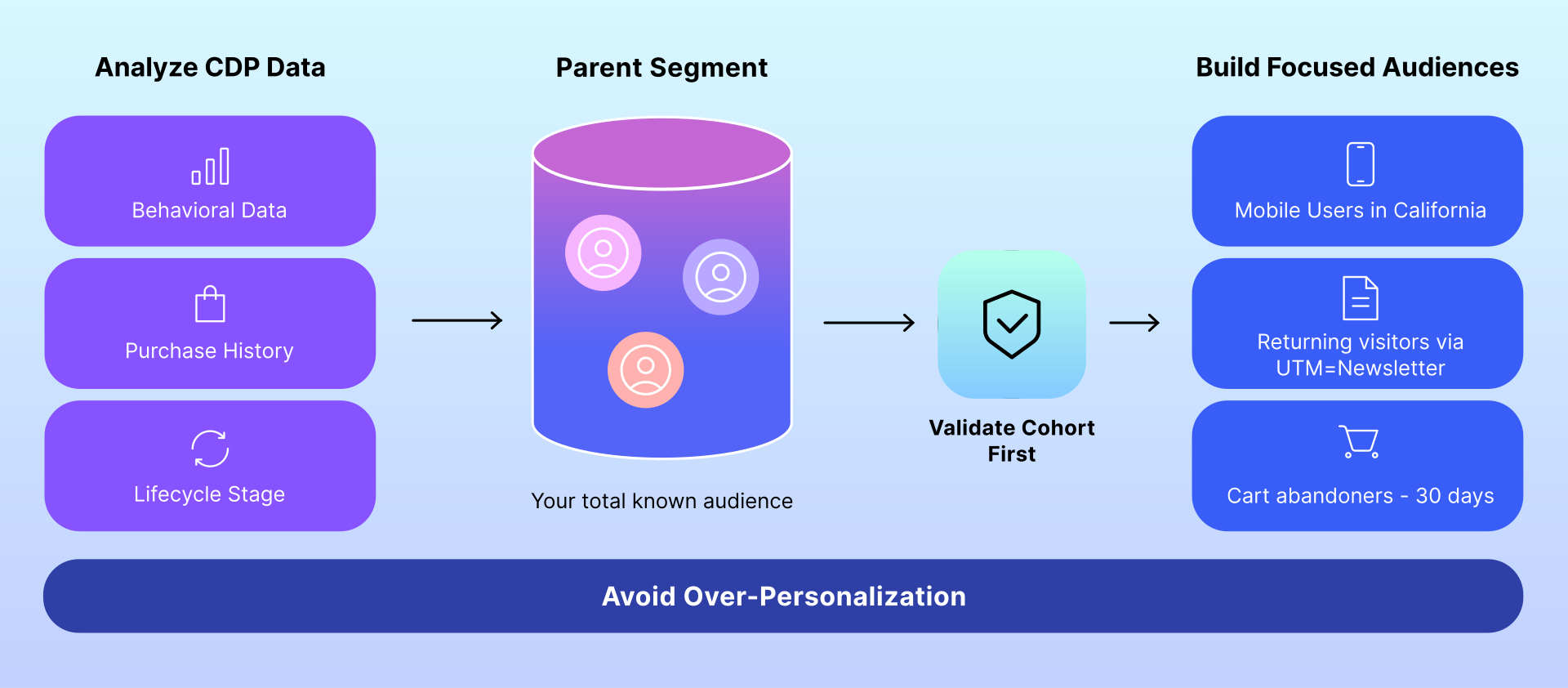
Choose a page and audience
Start with the audiences and customer information already available in Treasure AI.
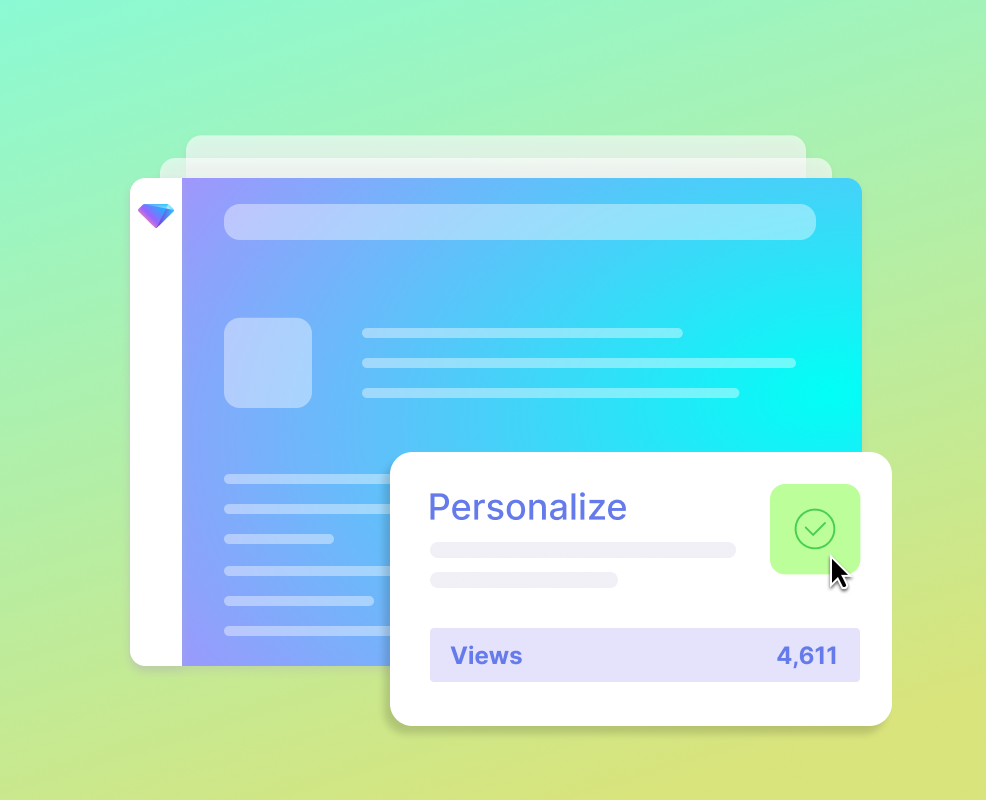
Create and review
Use customer history and current browsing to suggest relevant website content. Marketers can adjust it before launch.
Preview and launch
Preview the page, schedule the campaign, and launch it from Personalization Studio.
What's inside the Treasure AI personalization suite
Personalization Studio
The workspace where marketers create website campaigns. After a one-time site setup, they choose an audience, update text or images, add a call to action, preview the page, and schedule the campaign.
Customer information from Treasure AI
Use the profiles and audiences already in Treasure AI, including purchase history and loyalty status, without moving data into a separate system.
Relevant experiences, delivered in the moment
The Suite considers customer history and current browsing activity to show relevant website content in under a second.
Personalization AI Suite vs traditional approaches
| Capability | Personalization Studio | Traditional Personalization Workflows |
|---|---|---|
| Customer context | Uses what the brand knows about each customer, including past activity and current browsing. | May rely on recent visits or customer data copied between tools. |
| Audience activation | Starts with the audiences already built in Treasure AI. | Teams may need to rebuild or move audiences between systems. |
| Campaign workflow | Marketers build, preview, and launch campaigns after the initial setup. | Campaign changes may involve several teams and tools. |
| Website content | Update text, images, calls to action, and fallback content on the website. | Website changes may require custom code or manual rules. |
| Technical setup | Technical teams handle the initial website setup, then marketers manage campaigns. | Marketers may need ongoing help from engineering and data teams. |
Make website experiences more relevant.
See how Personalization Studio helps marketers build web campaigns around customer history and current activity.
FAQs
Personalization Studio is the workspace where marketers create and manage website campaigns using customer information from Treasure AI.
It can use profiles and audiences already in Treasure AI, including past purchases, loyalty status, and current activity. Teams do not need to copy this data into another system.
Personalization Studio currently supports websites.
Marketers can change text, images, buttons, and default content on selected areas of the website and create pop ups for targeted personalization.
A/B testing and AI is not available but is on the roadmap. Pop-ups are available.